Using an eSIM (embedded SIM) lets you activate a mobile plan digitally—no physical SIM card needed. Here’s a simple step-by-step guide.
📱 What You Need First
- A phone that supports eSIM (e.g., newer iPhones, Google Pixel, Samsung Galaxy models)
- A carrier that offers eSIM service
- Wi-Fi connection (recommended for setup)
- A QR code or activation details from your carrier
🍎 On iPhone (iOS)
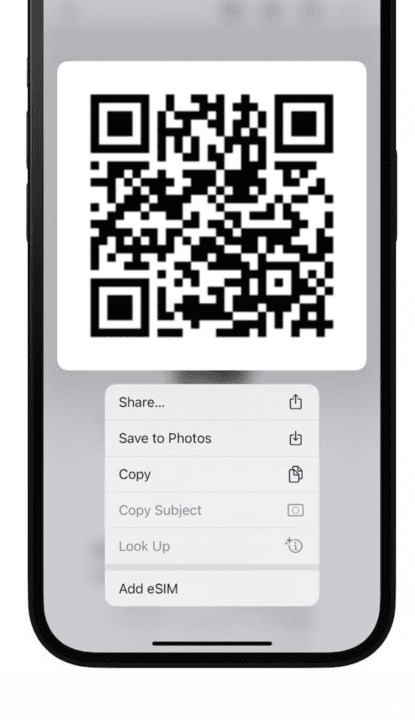
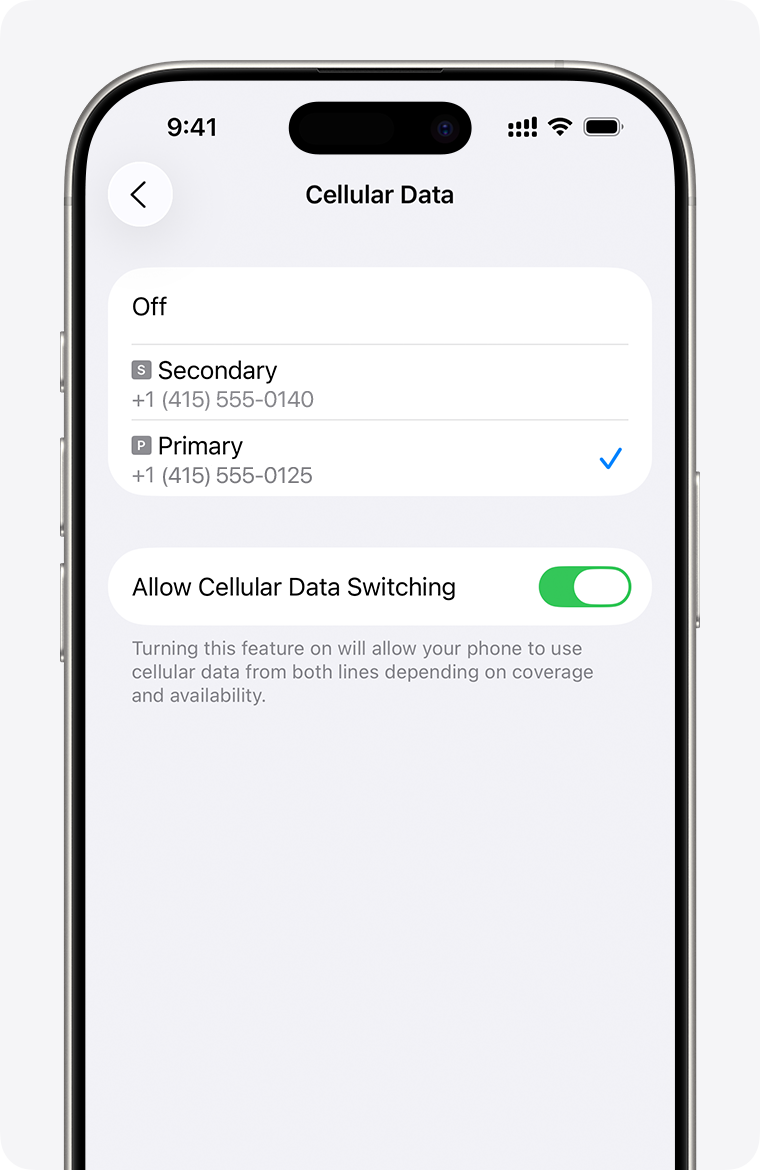
4
- Go to Settings
- Tap Cellular (or Mobile Data)
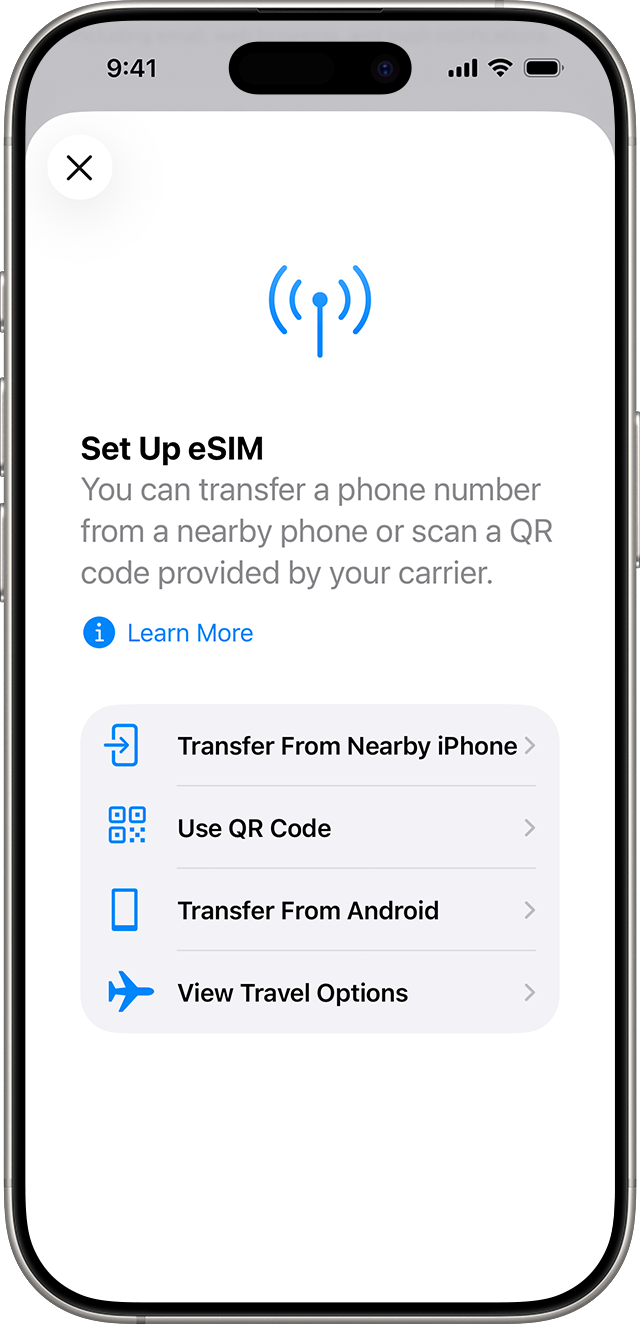
- Tap Add eSIM or Add Cellular Plan
- Choose:
- Use QR Code (scan from your carrier), or
- Enter Details Manually
- Follow on-screen steps to activate.
👉 After activation, you can:
- Label plans (e.g., “Work,” “Travel”)
- Choose default line for calls, SMS, and data
- Enable dual SIM if using physical SIM + eSIM
🤖 On Android (Google Pixel / Samsung)
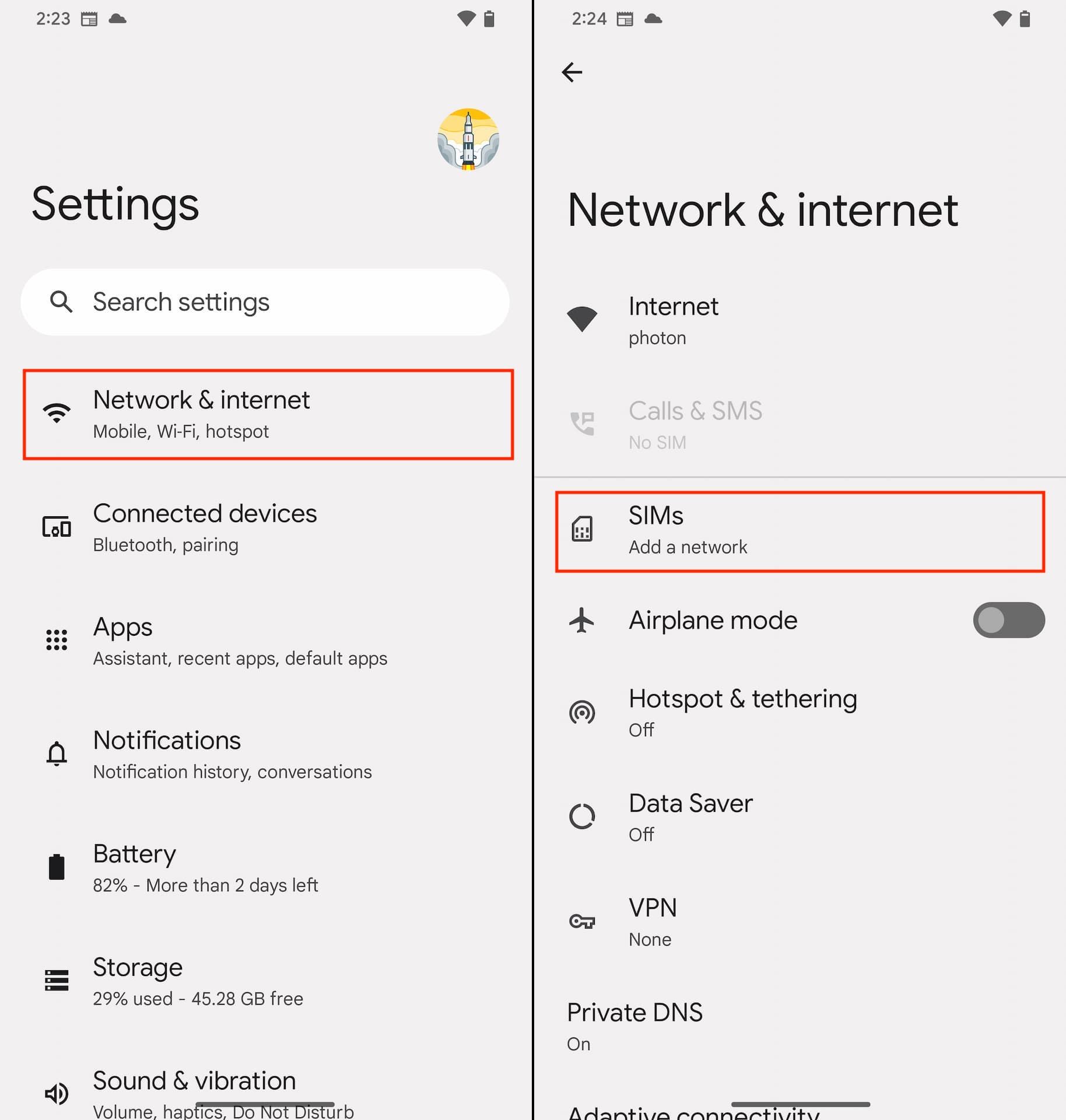
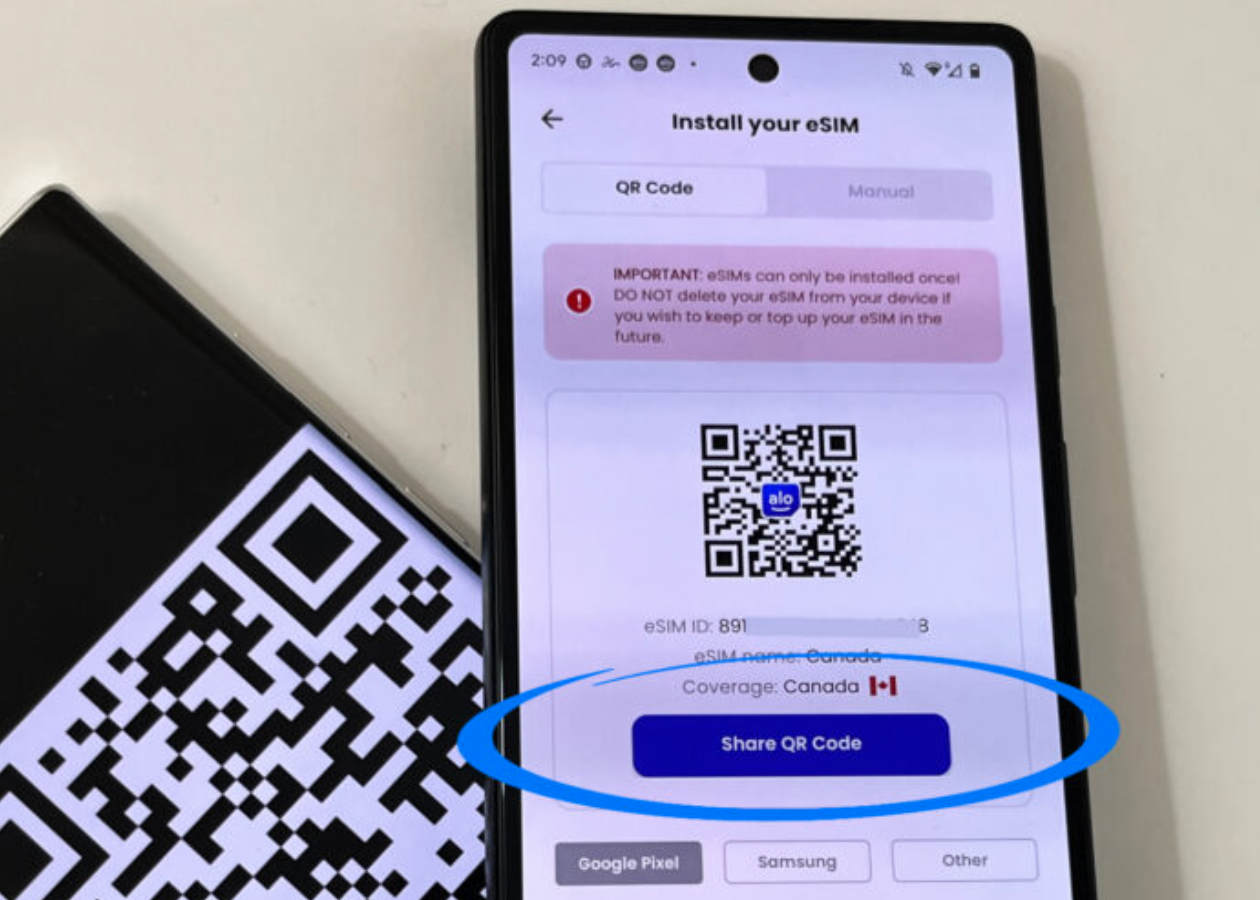

4
- Open Settings
- Tap Network & Internet (or Connections)
- Select SIMs or Mobile Network
- Tap Add eSIM or Download a SIM
- Scan QR code or enter activation code
- Confirm and restart if prompted
🔄 Switching Between SIMs
If you have dual SIM (physical + eSIM or two eSIMs):
- Choose which line handles data
- Choose which line handles calls/texts
- Turn a line on/off anytime in Settings